
Video Course Widget Features
Discover what makes our video course widget powerful and easy to use for your website.
Why teams love Video Course Widget
Everything you need to create a professional widget powered by your spreadsheet data.
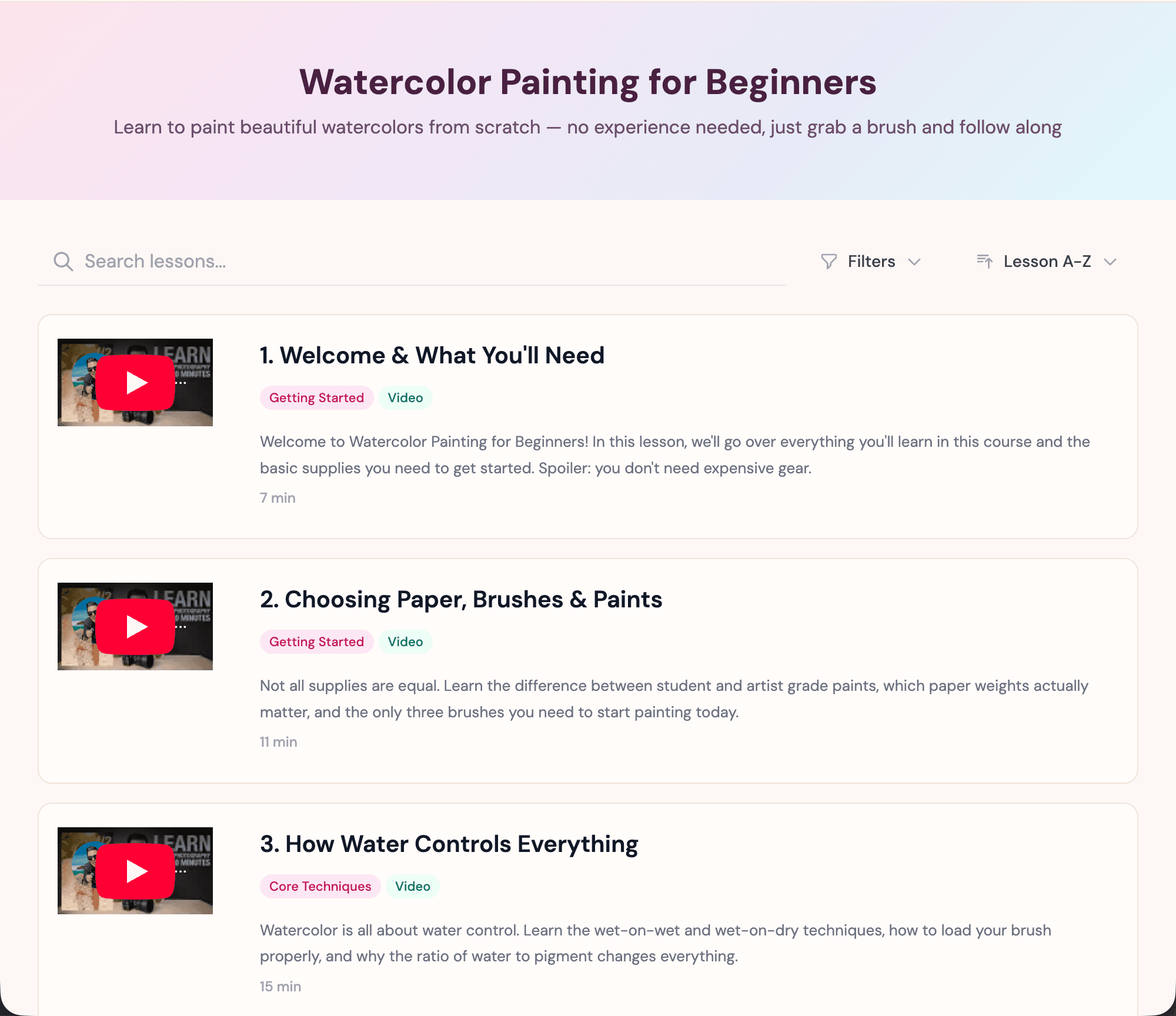
Students Watch Lessons Right on Your Site
Each lesson embeds a YouTube video that plays directly on the page. No redirects, no pop-ups — students click a lesson, watch the video, read the description, and move to the next one. Just paste YouTube links into your spreadsheet.
Manage Lessons from a Simple Spreadsheet
Your course content lives in Airtable or Google Sheets. Add lessons, reorder modules, update video links, and write descriptions — all from a spreadsheet. Changes appear on your website instantly.
Structure Your Course with Modules & Filters
Group lessons into modules so students can follow the curriculum or jump to specific topics. Built-in filters let them browse by module, lesson type, or search for specific content.
Match Your Brand and Teaching Style
Customize the look and feel — fonts, colors, layout, spacing, and more. Whether you're a solo creator or a company running internal training, the widget adapts to your brand.
Dedicated Pages for Every Lesson
Each lesson gets its own page with an embedded video player, full description, duration, resources, and links to related lessons. Clean URLs make every lesson shareable and SEO-friendly.
Real-time Data Sync
Your video course widget stays perfectly in sync with your data source. Update your Airtable or Google Sheets and see changes reflected instantly on your website.
- Automatic sync every few seconds
- No manual republishing required
- Works with Airtable and Google Sheets
Live sync illustration