ShareablesShareables
Get started in under 5 minutes

AirtableAirtable Website Widgets

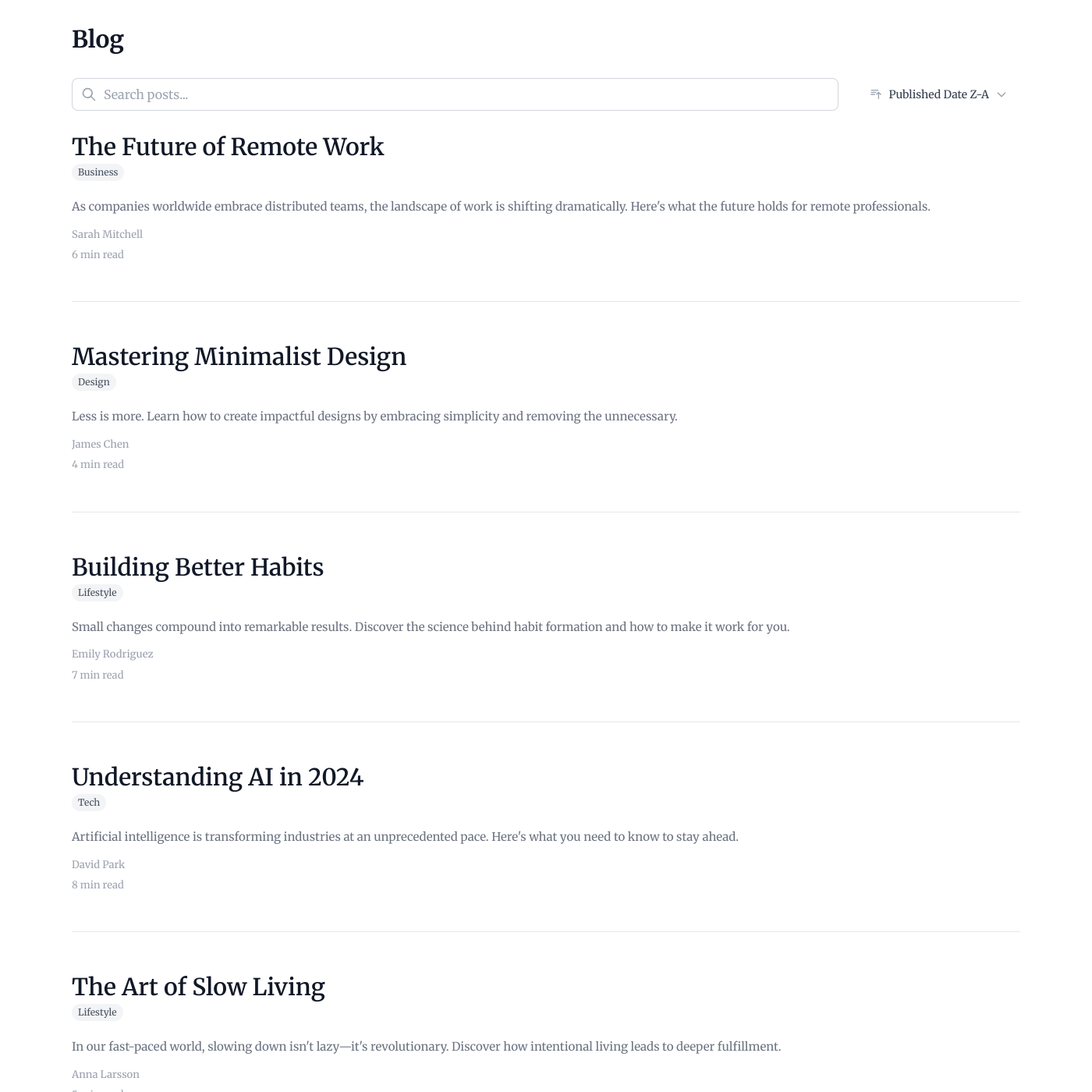
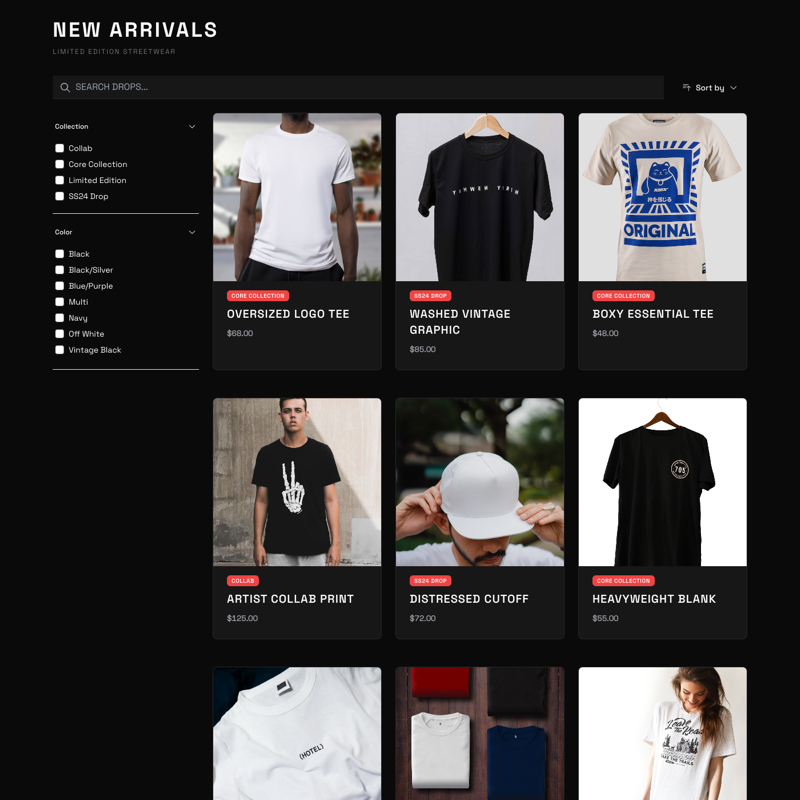
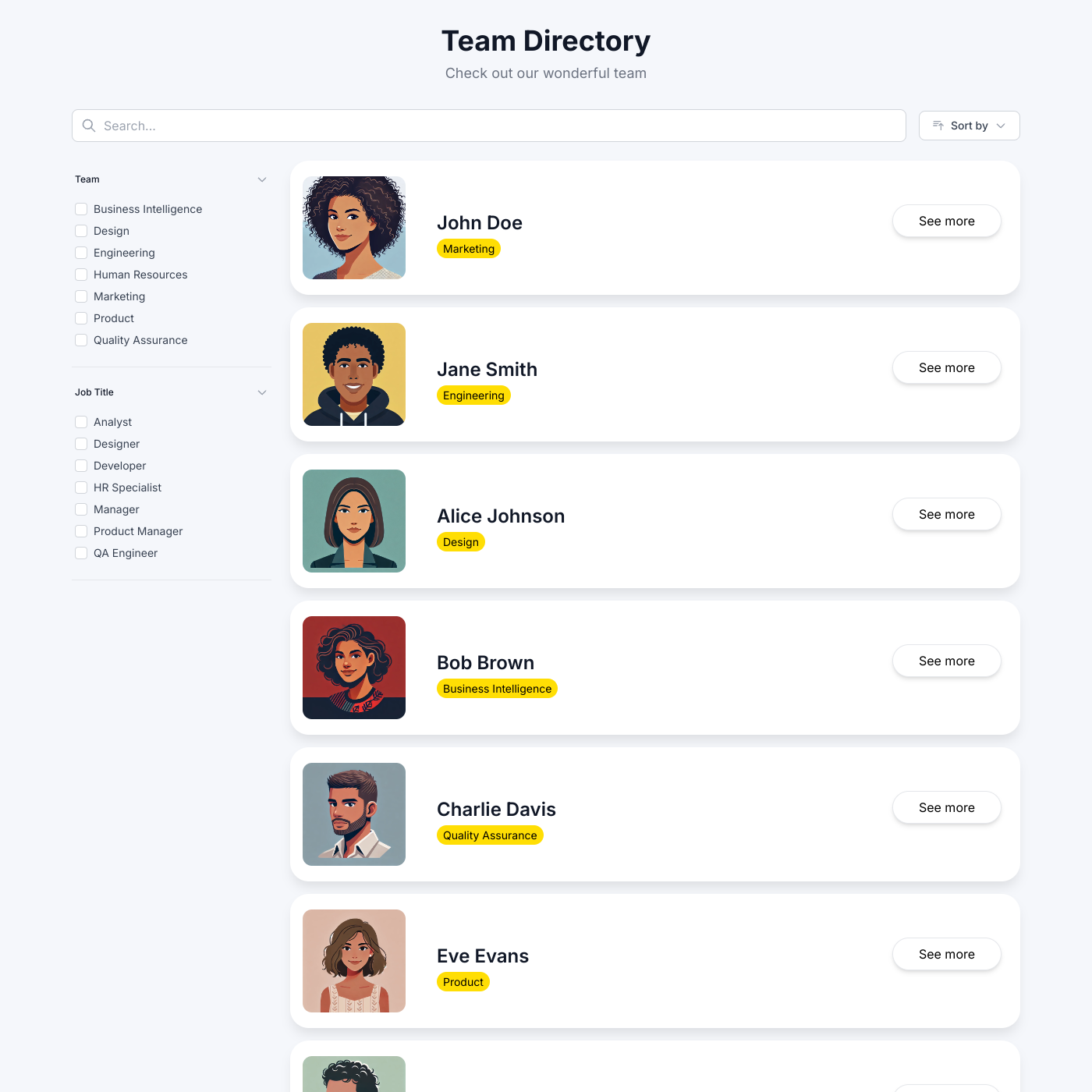
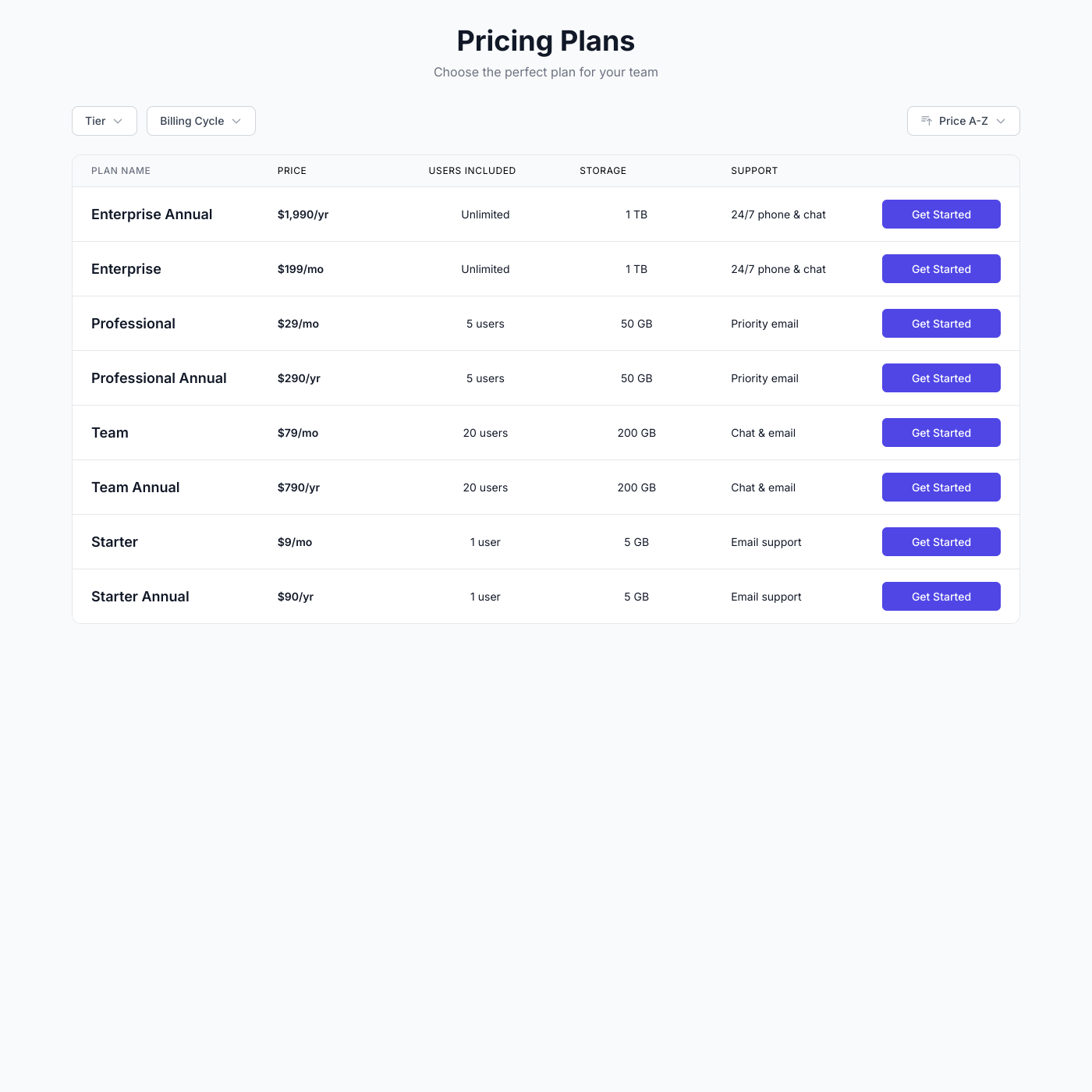
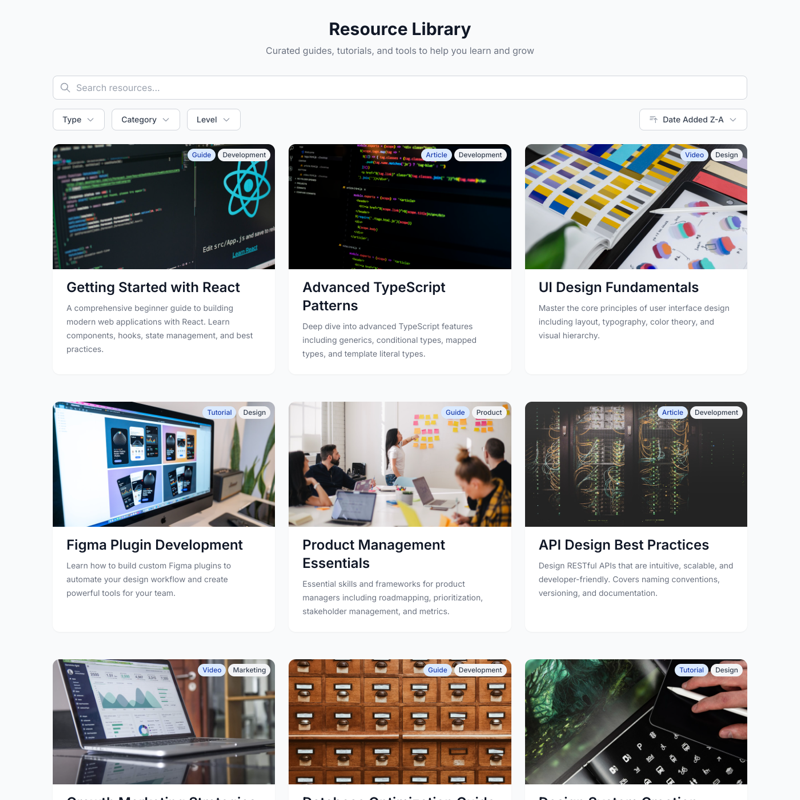
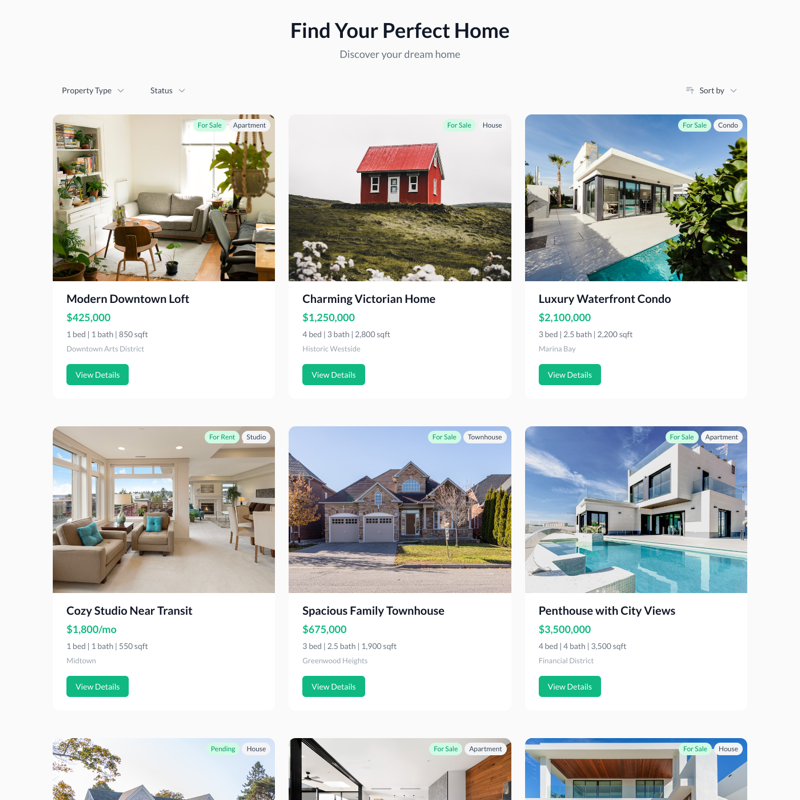
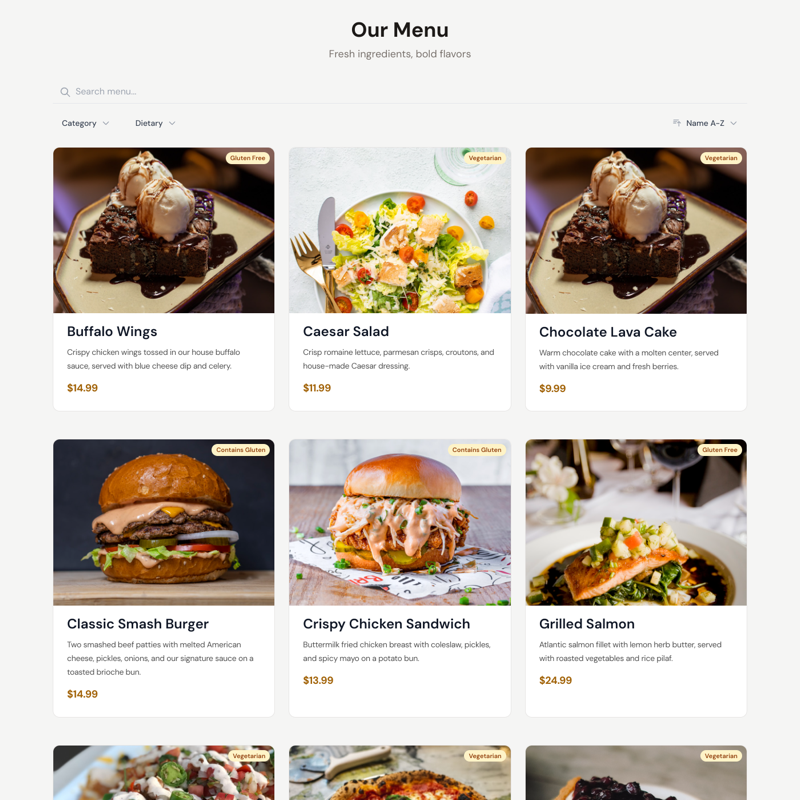
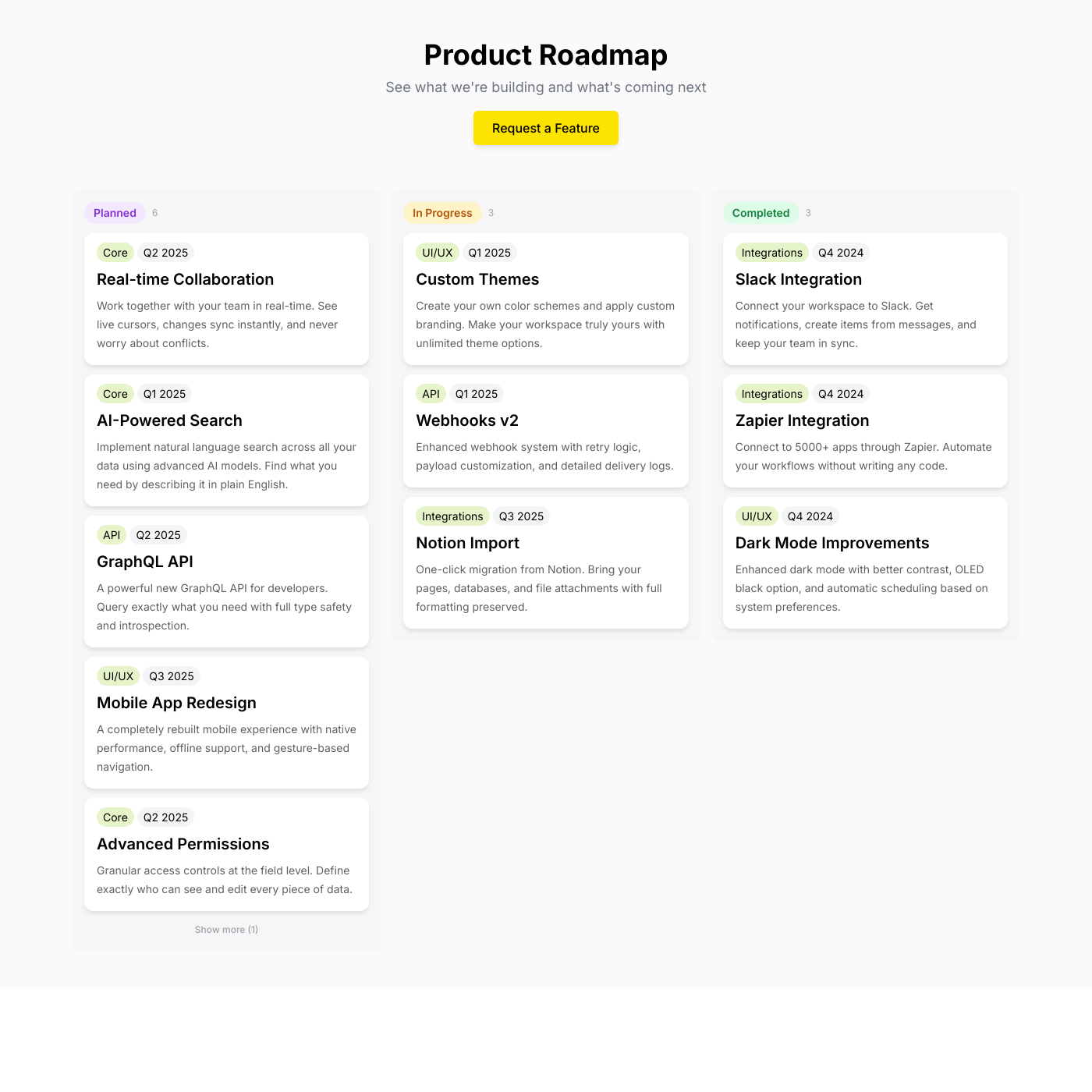
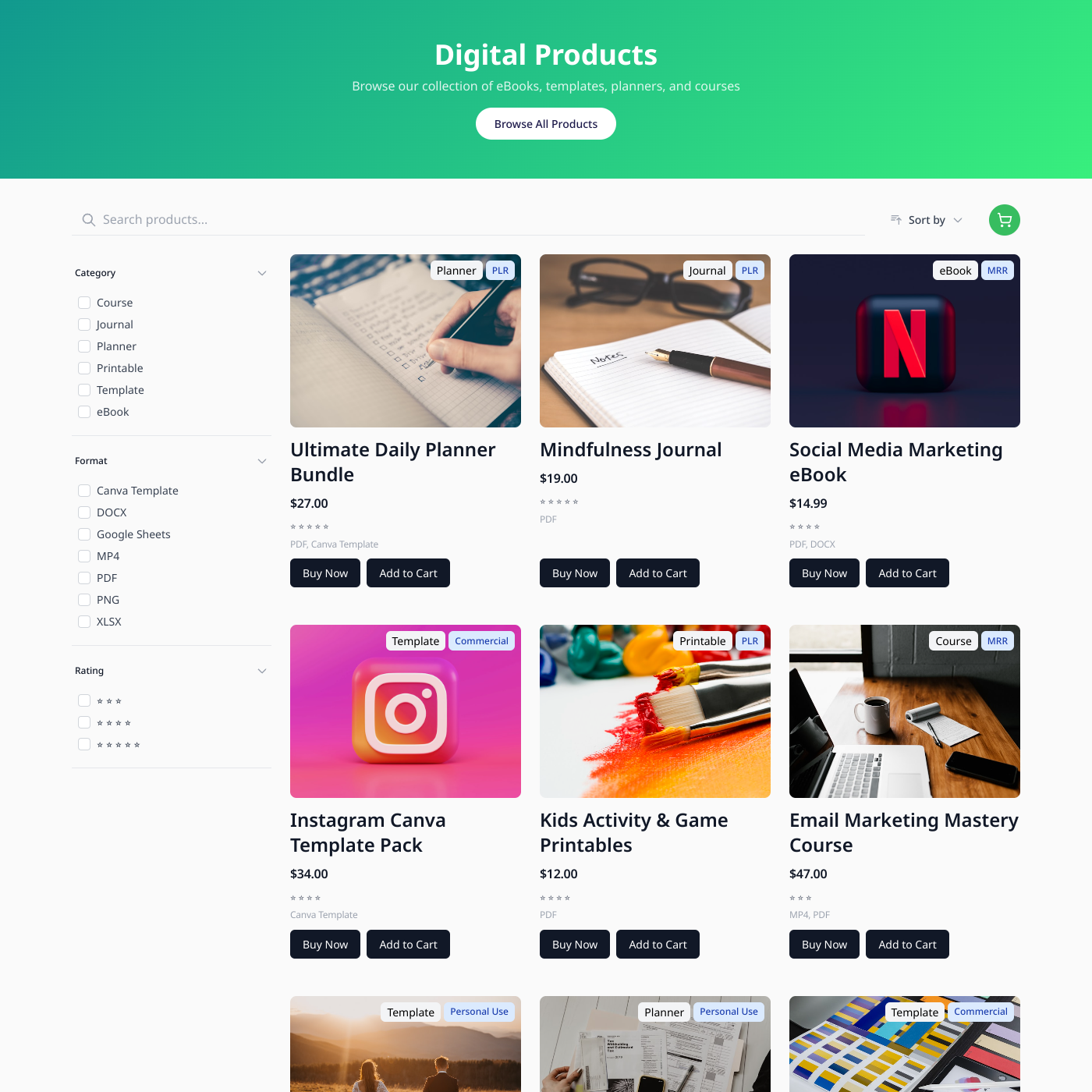
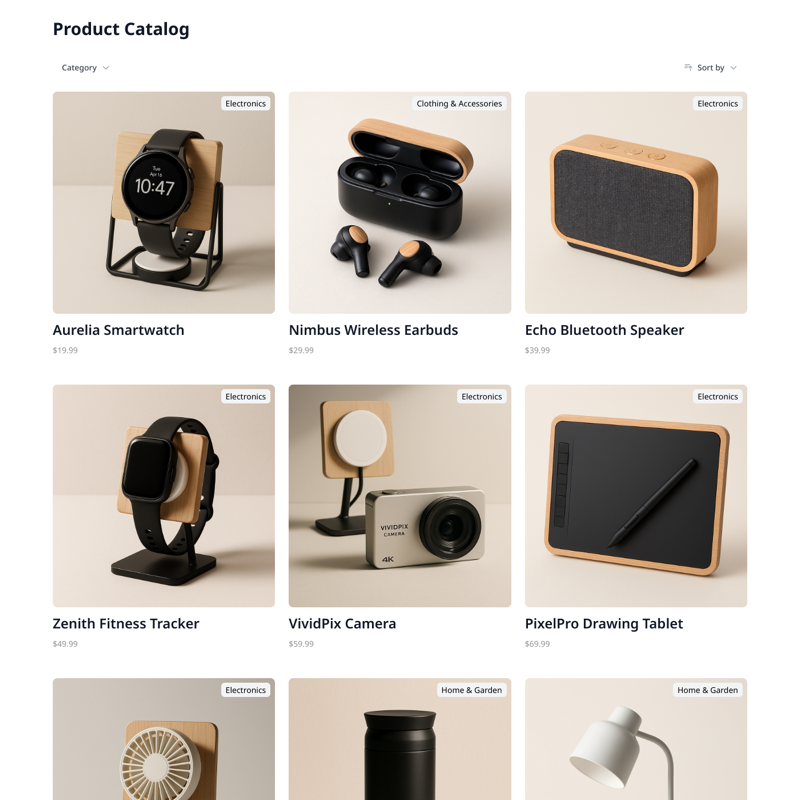
Turn your Airtable base into a live website — products, directories, events, and more. Linked records, filtered views, and rich fields all supported.

From Airtable to your website in minutes

Connect your Airtable base in seconds. We'll automatically detect your tables, fields, and views. Map them to your widget and you're live.

Linked Records & Lookups

Airtable's relational power works seamlessly. Pull data across linked tables and display related records together.

Filtered Views

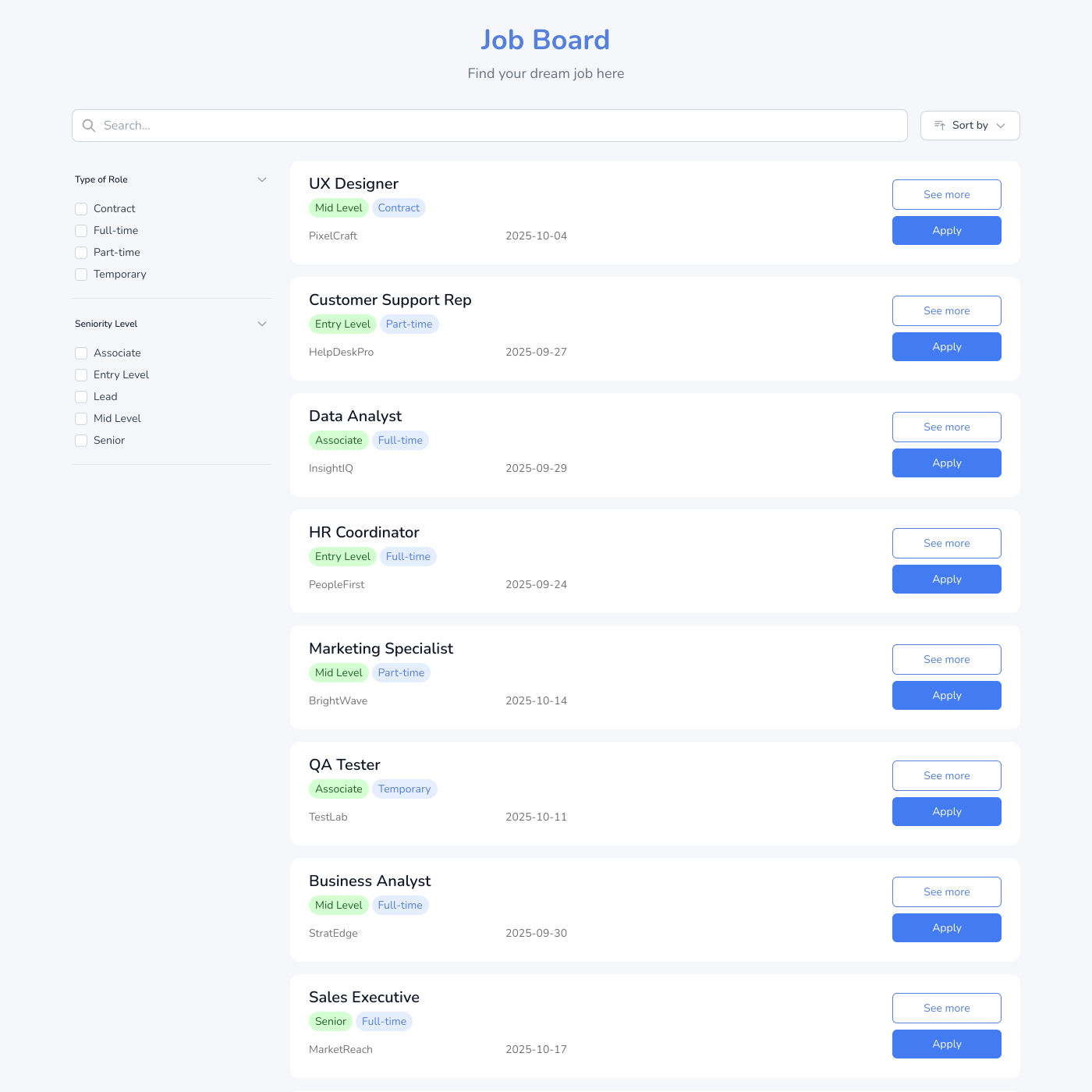
Choose an Airtable view and only those records appear. Show published content, featured items, or filter by category.

Rich Field Types

Attachments, checkboxes, dropdowns, dates, formulas — Airtable's field types map directly to your widget.

Airtable FAQ

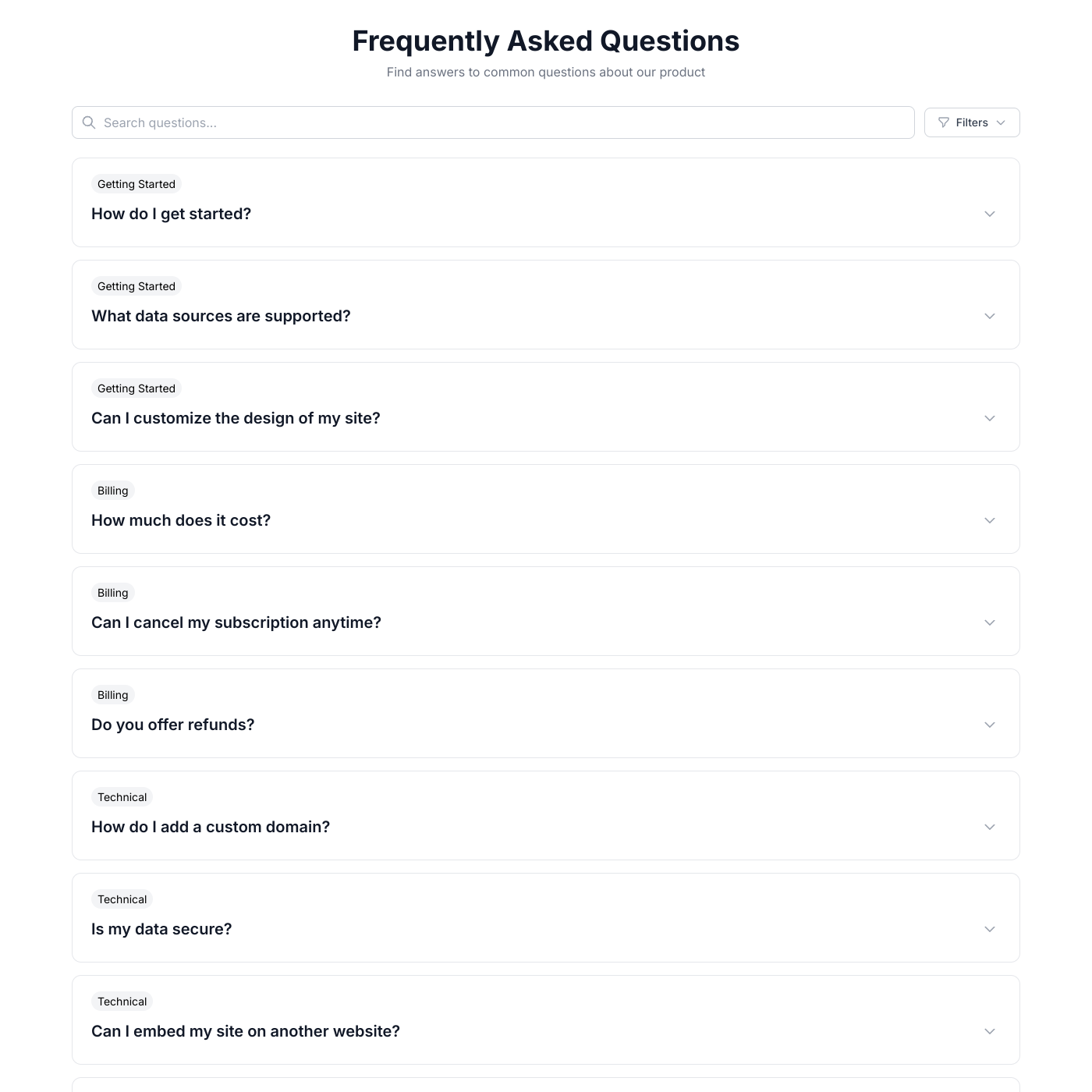
Airtable combines the simplicity of a spreadsheet with the power of a database: • Powerful Relational Data - Link records across tables, create lookups, and build complex data relationships that simple spreadsheets can't handle. • Rich Field Types - Attachments, checkboxes, dropdowns, dates, and more. Airtable's field types map perfectly to widget displays. • Team Collaboration - Multiple team members can update content simultaneously. Changes sync to your website automatically. • Views & Filters - Create filtered views in Airtable and choose which view to display on your website.

Simply click "Connect Airtable" and authorize access. You'll be able to select which base and table to use. We'll automatically detect your fields and let you map them to your widget.

No, we use OAuth authentication so you don't need to manage API keys. Just authorize once and you're connected.

Shareables works with all Airtable plans, including the free tier. However, some advanced features like filtered views may require Airtable Pro or higher.

Each widget connects to one table, but you can use Airtable's linked records to pull in related data. You can also create multiple widgets from different tables.

Your widget syncs with Airtable every few minutes. Changes you make in Airtable appear on your website automatically without any manual action.

Yes! You can select a specific Airtable view, and only the records visible in that view will appear on your widget. This is great for showing only published content or filtering by category.

Deleted records are automatically removed from your widget on the next sync. No manual intervention needed.

Yes. We only access the base and table you explicitly connect. We never store your full Airtable data—only what's needed to display your widget.

Put your Airtable base on your website

Connect your base, pick a layout, and embed it anywhere. No credit card required.